 Pilotix
Explicit access, not magic access.
Remote access is a sensitive category. Pilotix favors a model you can explain: clear tokens, clear agents, clear sessions and clear revoke — all visible in the product.
Short-lived tokens
Enrollment tokens are short-lived and single-use. Live session tokens default to 2 days; dashboard auth tokens default to 7 days.
Per-device credentials
After install, each device runs with its own credential. The router holds no long-lived user password or device secret.
Revoke from the dashboard
Uninstall, reinstall, update and revoke are first-class dashboard actions. Cut a device’s access from the account at any time.
Explicit clipboard
Clipboard sync runs on your action — local-to-remote paste or remote-to-local copy. No continuous background clipboard monitoring.
Signed & notarized macOS
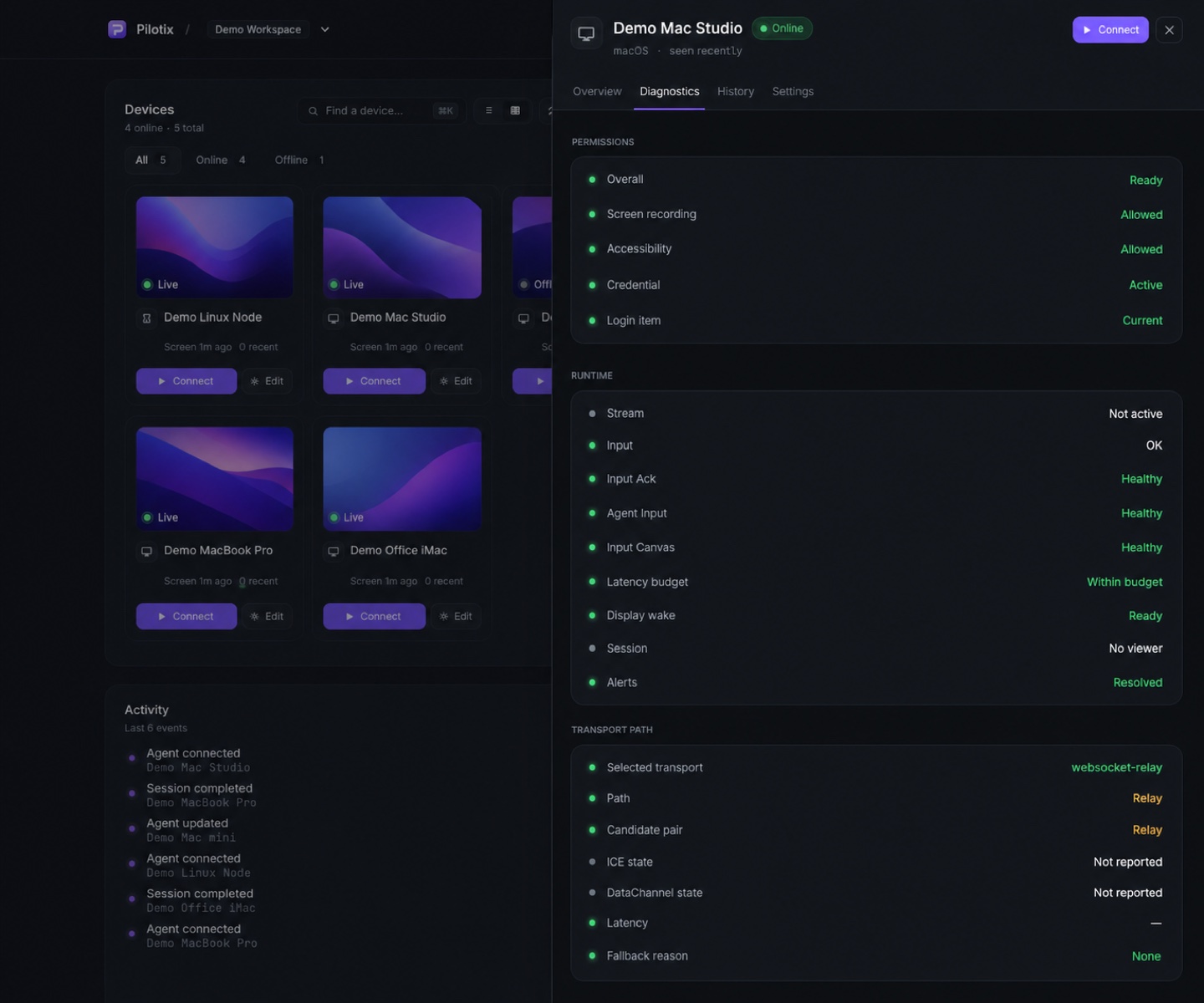
The macOS agent ships as a signed and notarized package and asks for screen-recording and accessibility permission with your consent.
Audit logging
Enrollment, connect, disconnect, failed auth and revoke events are recorded so account activity is reviewable.
How Pilotix treats your connection.
- Web, API and router traffic run over TLS
- Device-level authorization before each connection
- macOS credentials in Keychain; libsecret / strict-permission fallback on Linux
- Windows targets DPAPI / Credential Manager (planned)
- Active remote control aims to show a local indication
- Clear uninstall, reinstall, update and revoke paths
Security you can explain to a customer.
Start with a model built on short-lived tokens, per-device credentials and dashboard revoke.